Checking KaDeep
Asking each service from your browser now.
How this page checks
When you open this page, your browser asks each KaDeep service for a reply, and asks again every 60 seconds while the page stays open. A reply means the service answered from where you are. It does not show uptime history, and it cannot see inside your workspace.
Last check
Services
Each dot is one check during this visit: green when the service answered, amber when it was slow, red when it did not answer.
-
KaDeep StudioThe web app your workspace runs instudio.kadeep.ai
Checking
-
APIWhat the web, desktop and phone apps talk toapi.kadeep.ai
Checking
-
DownloadsDesktop and phone app downloads and updatesreleases.kadeep.ai
Checking
-
DocsGuides for every roledocs.kadeep.ai
Checking
-
Websitekadeep.aikadeep.ai
Checking
Inside your workspace
These run inside KaDeep Studio and are not checked from this page. If one is not doing what you expect, write to contact@kadeep.ai with your workspace name.
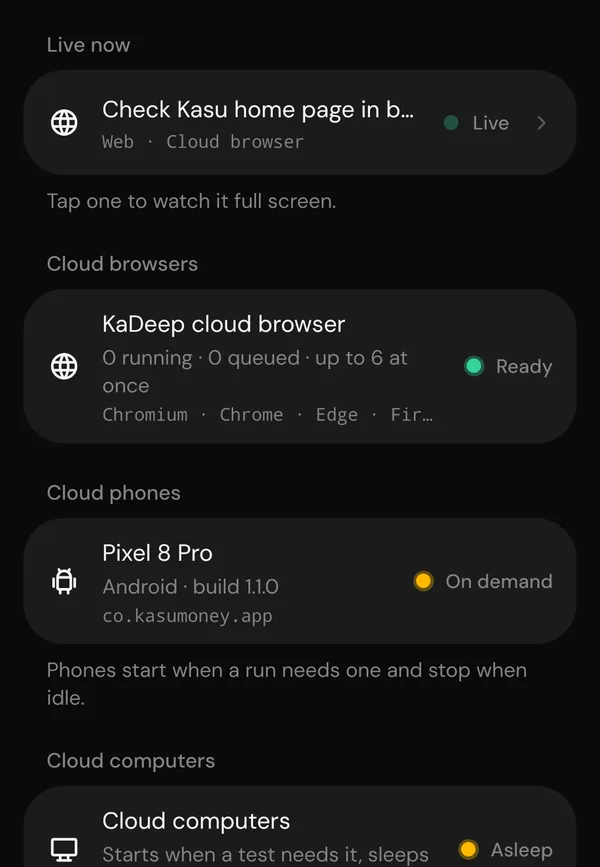
- Cloud browsersThe browsers the agent tests in
- Cloud phonesAndroid phones that start when a run needs one
- Cloud computersWindows computers that start when a test needs one
- Your paired computersThe desktop worker on your own machines
Incidents and maintenance
What went wrong, what we did, and planned maintenance, newest first. Follow along with the Atom feed.
No incidents or maintenance have been posted here yet.